Open the PDF to zoom in or read the selectable text.
September 2026
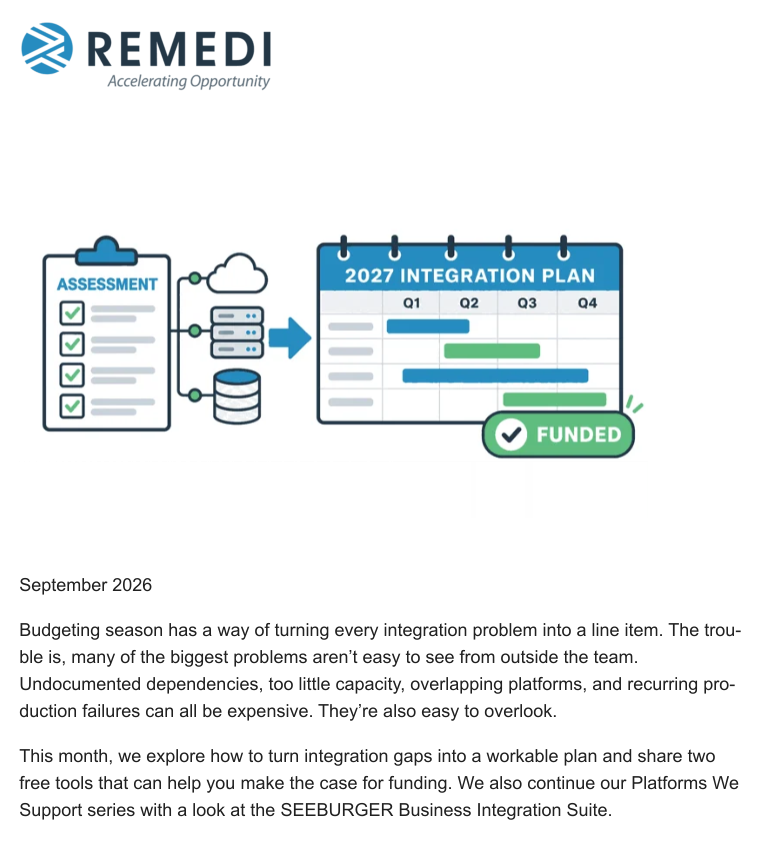
Budgeting season has a way of turning every integration problem into a line item. The trou-
ble is, many of the biggest problems aren’t easy to see from outside the team.
Undocumented dependencies, too little capacity, overlapping platforms, and recurring pro-
duction failures can all be expensive. They’re also easy to overlook.
This month, we explore how to turn integration gaps into a workable plan and share two
free tools that can help you make the case for funding. We also continue our Platforms We
Support series with a look at the SEEBURGER Business Integration Suite.The Integration Environment You Now Lead Has Gaps. How Do You
Build the Right Plan?
Few integration leaders walk into a clean slate. They’re more likely to inherit production de-
mands, overlapping tools, undocumented workflows, backlogs, and a team that’s already
stretched thin. Before they can ask for more money, they need to decide what can’t wait
and what can be handled over time.
If you’re trying to decide where next year’s money should go, this recent article gives you a
practical place to start. It looks at gaps in staffing and capacity, production, and technology,
then shows how to rank the work by its effect on the business.
You’ll find it easier to separate urgent stabilization from recurring problems and longer-term
modernization, and to show stakeholders what the proposed spending is meant to
accomplish.
Read the full article: The Integration Environment You Now Lead Has Gaps. How Do You
Build the Right Plan?Top Tips
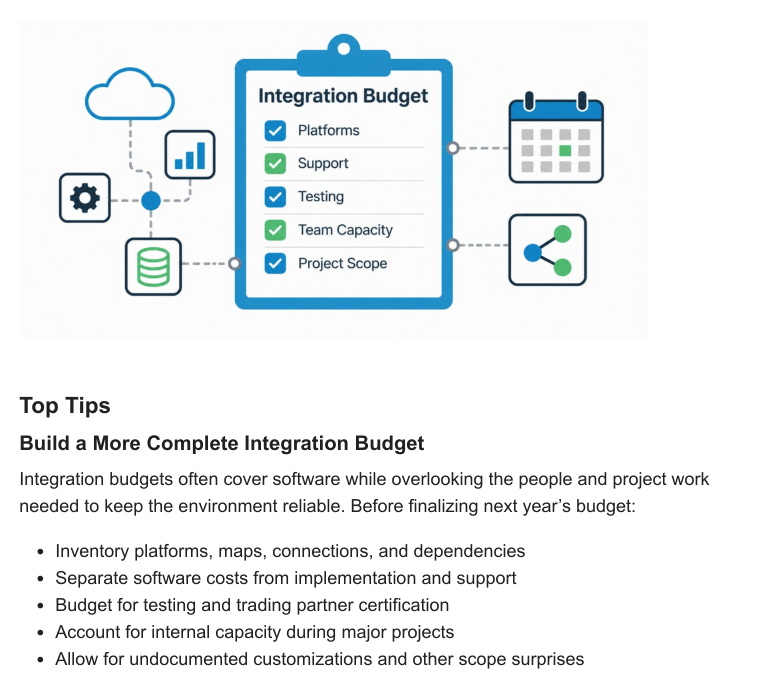
Build a More Complete Integration Budget
Integration budgets often cover software while overlooking the people and project work
needed to keep the environment reliable. Before finalizing next year’s budget:
Inventory platforms, maps, connections, and dependencies
Separate software costs from implementation and support
Budget for testing and trading partner certification
Account for internal capacity during major projects
Allow for undocumented customizations and other scope surprisesDownloadable Tool/Resources
A stronger budget starts with a clear view of what needs attention and what it will take to get
it done. These two free tools can help you identify gaps in your integration environment, de-
fine the projects needed to address them, and put reliable numbers behind your funding
request.
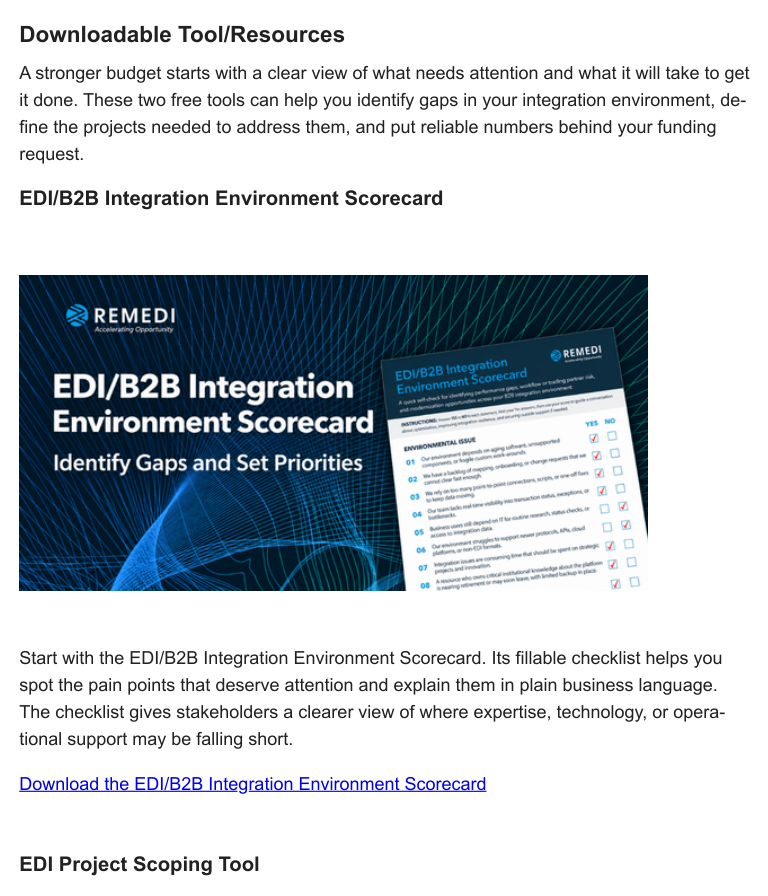
EDI/B2B Integration Environment Scorecard
Start with the EDI/B2B Integration Environment Scorecard. Its fillable checklist helps you
spot the pain points that deserve attention and explain them in plain business language.
The checklist gives stakeholders a clearer view of where expertise, technology, or opera-
tional support may be falling short.
Download the EDI/B2B Integration Environment Scorecard
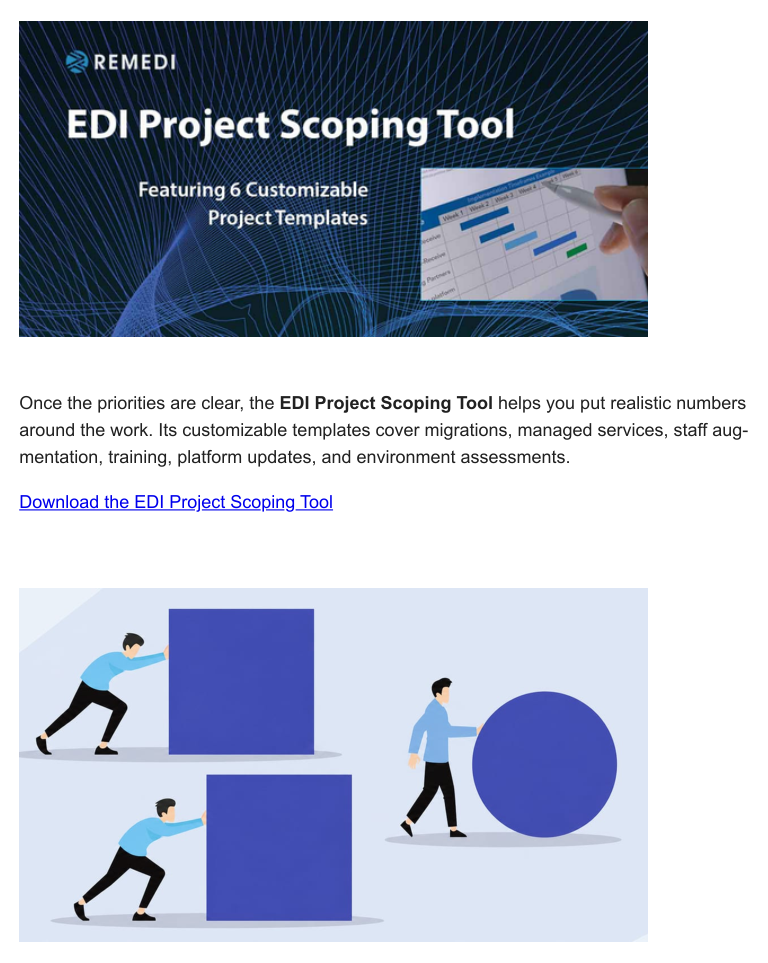
EDI Project Scoping ToolOnce the priorities are clear, the EDI Project Scoping Tool helps you put realistic numbers
around the work. Its customizable templates cover migrations, managed services, staff aug-
mentation, training, platform updates, and environment assessments.
Download the EDI Project Scoping ToolThe Platforms We Support
The Platforms We Support: The SEEBURGER Business Integration Suite
SEEBURGER Business Integration Suite gives companies more than one way to balance
control, flexibility, and day-to-day responsibility. BIS Server suits organizations that need
self-managed infrastructure, advanced customization, or strict compliance. BIS Hub offers a
cloud-managed option that can reduce infrastructure demands and speed deployment.
Many companies land somewhere in the middle and use both.
Each choice puts different demands on the team. If you manage the environment yourself,
you’ll need people who can handle updates, performance, and maintenance. A managed
model shifts more of that work to the provider. A hybrid approach can keep critical integra-
tions under your control while reducing the workload elsewhere.
Our latest platform article explains what each option involves and where outside expertise
can help.
Read the full article: The Platforms We Support: The SEEBURGER Business Integration
SuiteCustomer Spotlight
SEEBURGER Expertise for a Time-Sensitive ERP Migration
A national pharmacy benefits provider had four months to rewrite all its trading partner
maps as it moved from a legacy ERP system to the cloud. Those documents supported the
data and revenue flows associated with more than 700 million prescriptions each year, so
missing the deadline wasn’t a minor project delay.
Remedi supplied two full-time consultants with SEEBURGER expertise within a week. They
handled BOD gap analysis, identified nonstandard identifiers, and helped the team re-engi-
neer or reconfigure affected workflows. The project is a useful reminder that an integration
budget has to cover the people and capacity required to do the work, along with the soft-
ware itself.
Read the customer success story.
If you’re putting next year’s integration budget together now, start by making the environ-
ment visible. Show stakeholders where the risks are, what the work will involve, and which
resources the team will need. Remedi can help you assess the current state, define the
scope, and build a plan the business can support. Talk to a Remedi integration expert
today.
Remedi Electronic Commerce Group, 96 Northwoods Blvd., Suite A-2, Columbus, Ohio
43235, US, (614) 436-4040